Orphalese Tarot Help
Quick Start
- Accessing the Main Menu
- Basic Operations with Mouse
- Free Selection Mode
- Laying out a Spread
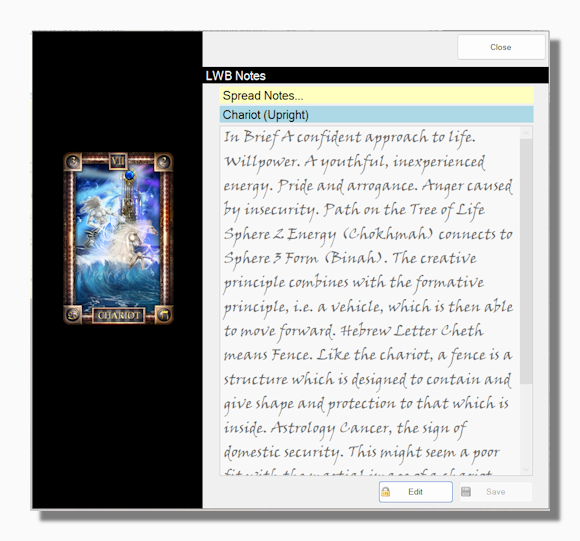
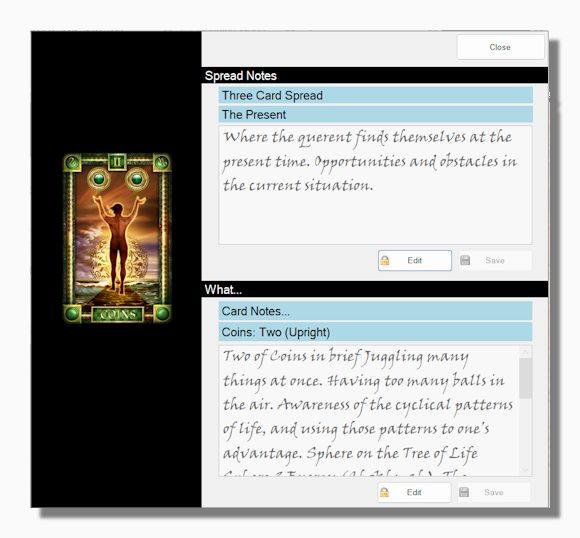
- Popup Notes
- Resize Cards
- Reversed Cards
- Saving a Reading
- Shuffle and Seeded Shuffle
- Switching Decks
- Working with a Background
Main Menu
- Main Menu Overview
- Show Background
- Full Screen
- Options
- Cards
- Current Deck
- Default Options
- Folders
- Keys
- Languages
- Shuffle
- Sort
- Gather Cards
- Open New Deck
- My Decks
- Deck Management
- Find
- Park Deck
- Recently Used Decks
- My Subsets
- Create or Edit
- Management
- My Spreads
- Create or Edit
- Management
- My Readings
- Create or Edit
- Edit Template
- Management
- My Collections
- Collection Management
- Create or Edit
- Cards
- Compare Cards
- Edit Card Notes
- Screen Image
- Zoom on Cards
- File Exchange
- Card Notes
- Exchange Decks
- Exchange Spreads
- OT Community
- My Preferences & Profile
- User Profile Pages
- Register
- My Machines
- Help
- About
- Hide the Program
Miscellaneous
- Card Notes Quick Edit
- Creating New Decks
- Deck Exchange – Share Decks
- Deck Exchange – View Details
- How to Register
- Spread Dealing Options
- Using Transparency
- Vector Graphics
Other
|